

Intro
This article explains how to use AI Chat v2 for data analysis, document context, visualizations, and global chat settings.Reporting
The AI Chat v2 Sessions DomoStats report contains information about user interactions with Domo AI Chat v2. See the detailed schema of the DataSet here.Required Grants
To access AI Chat v2, all the following grants must be enabled for your role:- Use AI Services — Allows you to access AI services in Domo apps, Domo Bricks, Jupyter Workspaces, and Workflows. This grant should be given to anyone who needs to use AI services but does not need to manage them.
- Use AI Chat — Allows you to access and use the Domo AI Chat v2 feature throughout Domo. Those with Privileged- and Participant-level roles have this grant enabled by default.
AI Chat v2 Security
Domo AI Chat v2 uses DomoGPT to ensure that your data is secure and maintains the same security settings seen throughout Domo. Learn more about Domo AI Security and DomoGPT .Use Context and Knowledge
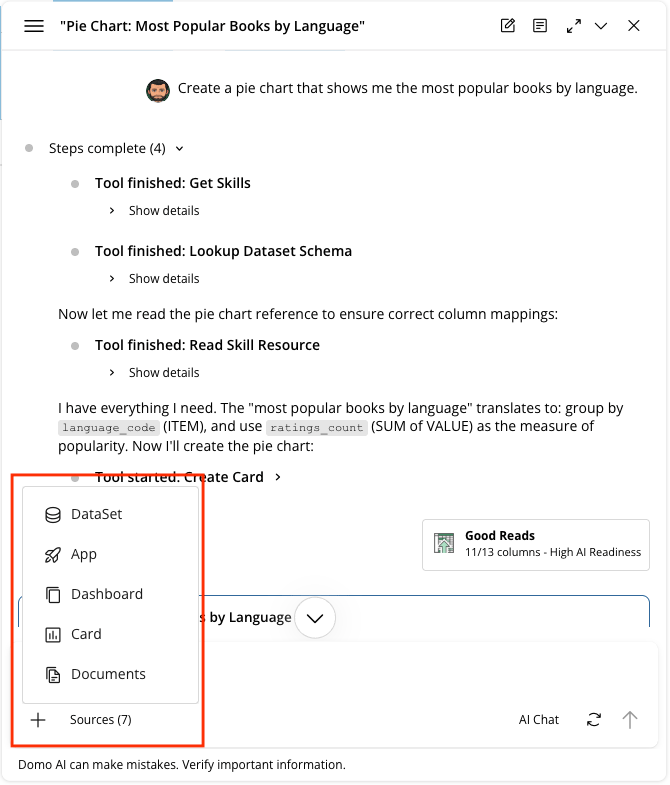
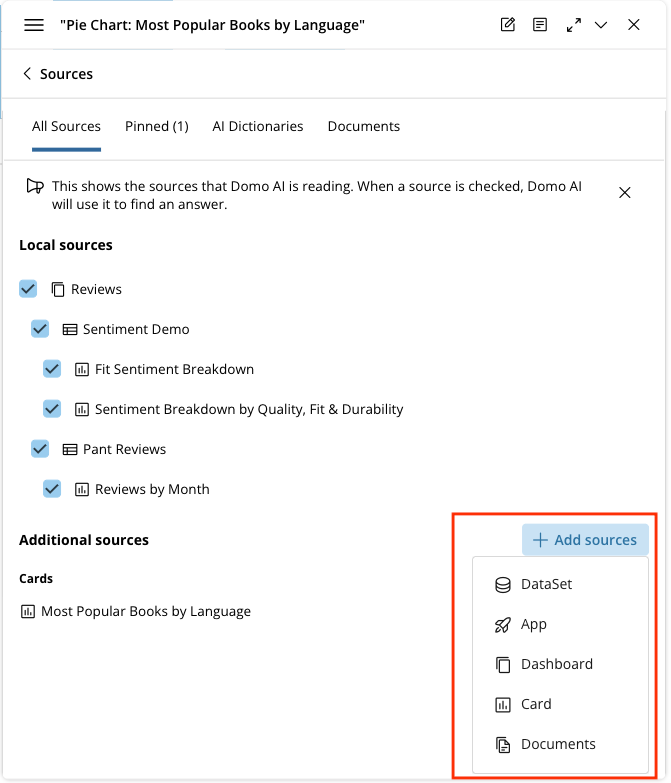
AI Chat v2 handles complex, multi-part questions and questions that span multiple DataSets, synthesizing the results into a single, comprehensive answer.Note: Cross-DataSet joins and unions aren’t supported. AI Chat v2 queries each DataSet independently, then synthesizes the results.
Create a Visualization
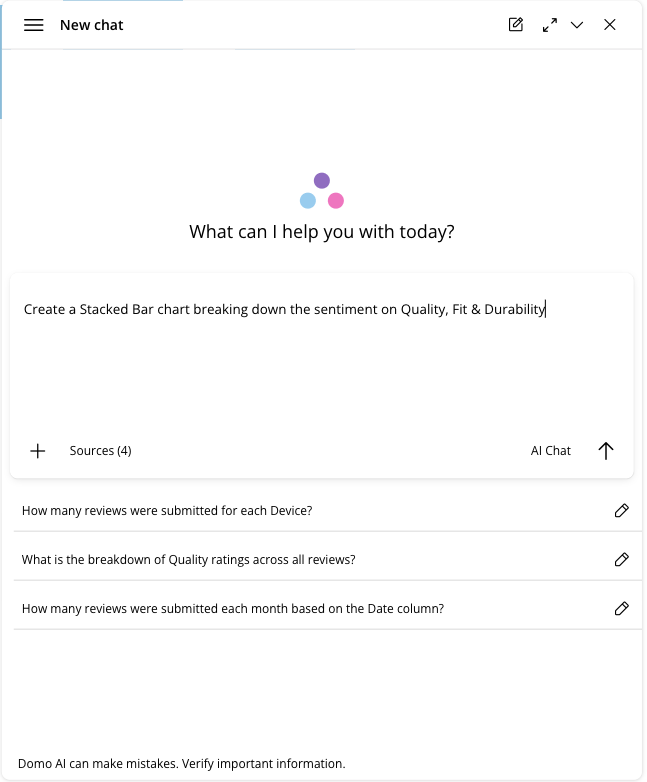
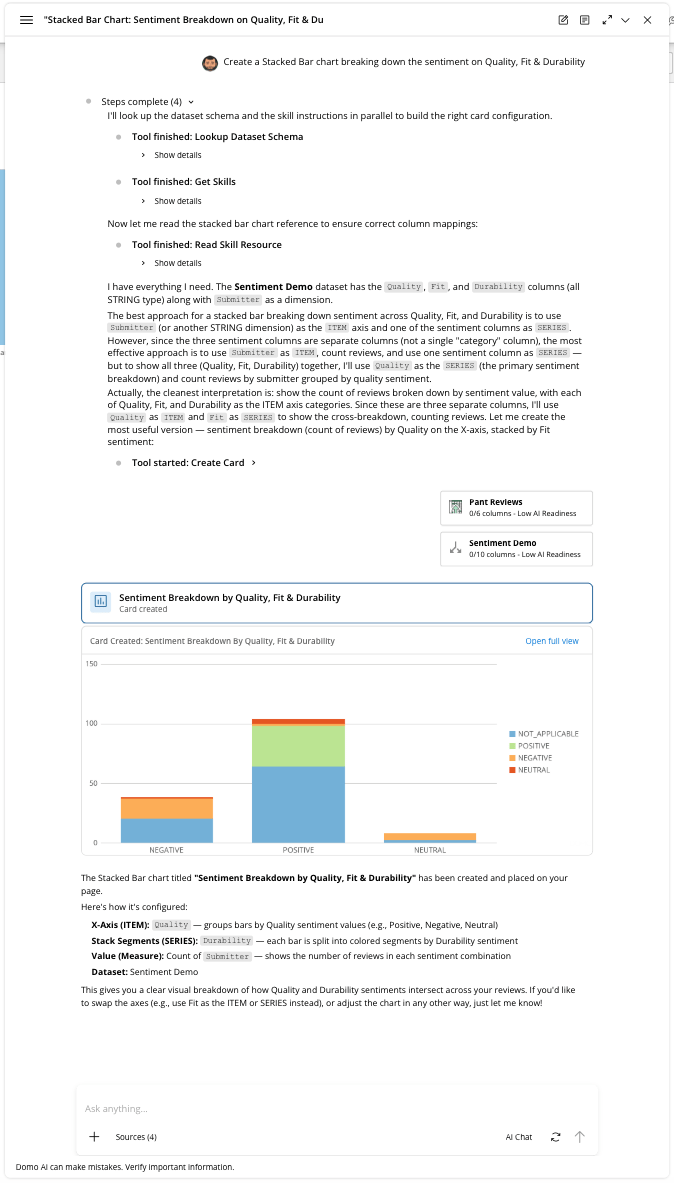
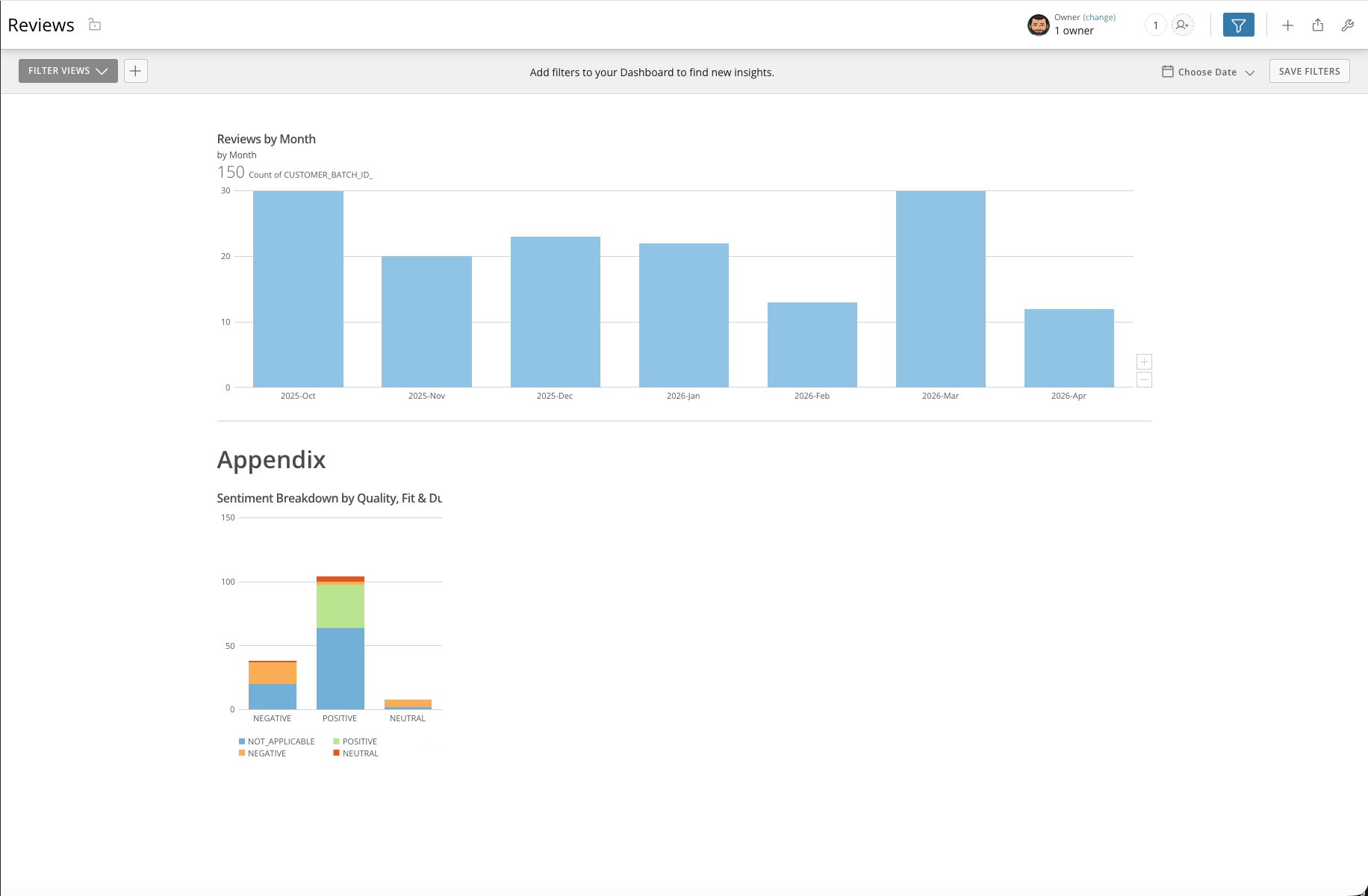
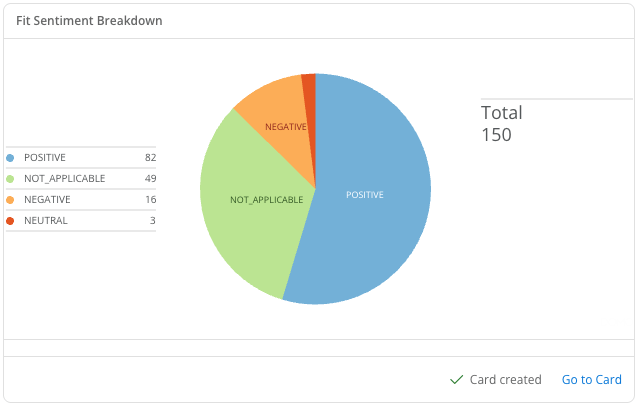
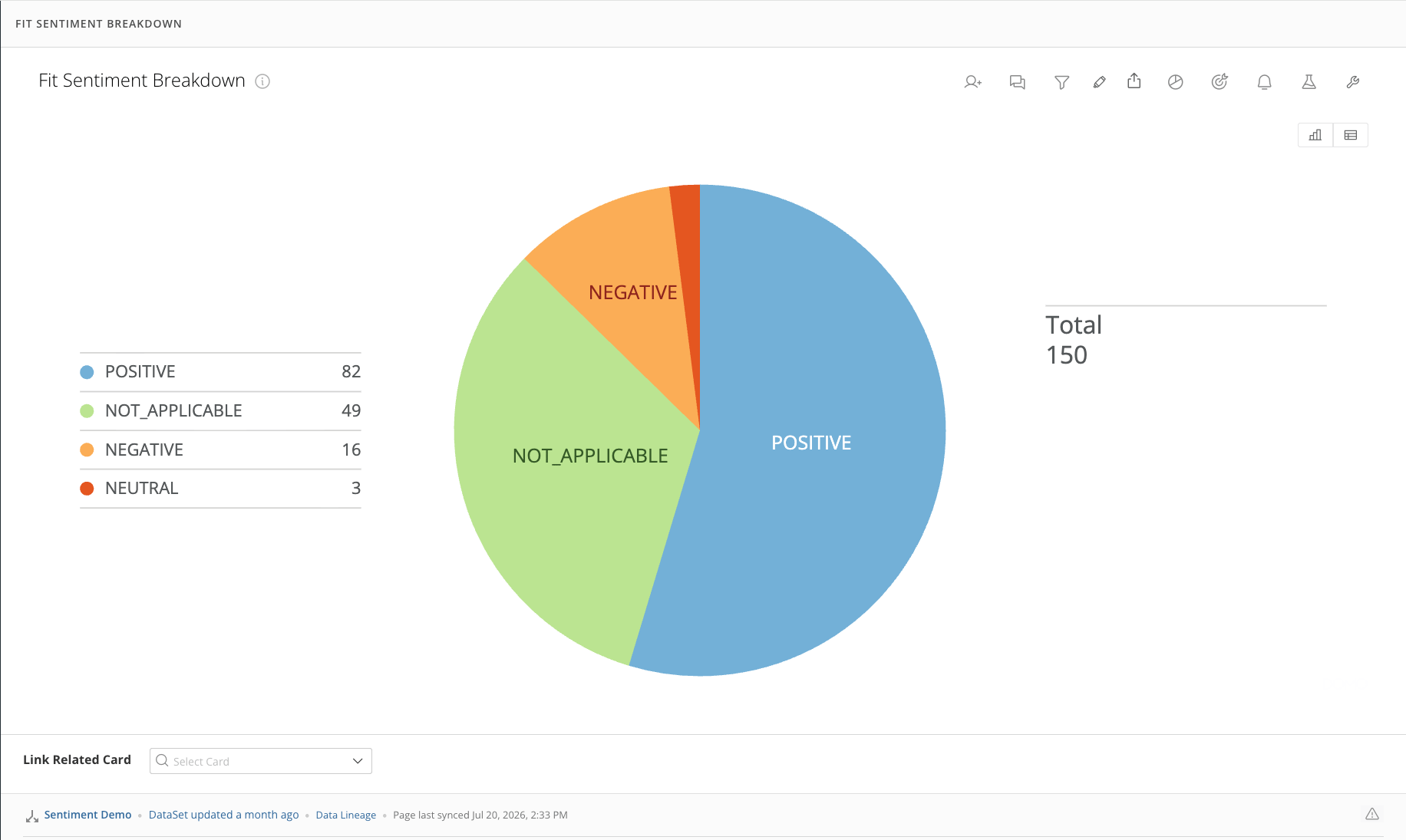
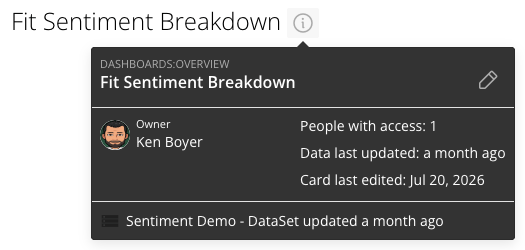
AI Chat v2 supports visualizations of your data. Ask AI Chat v2 to show you a card, or create a card on your current dashboard or app.Note: If you ask AI Chat v2 to “create” a card, it’s created on the dashboard or app you’re currently on. If you aren’t on a dashboard or app, the card is created on your Overview page.
Show a Visualization
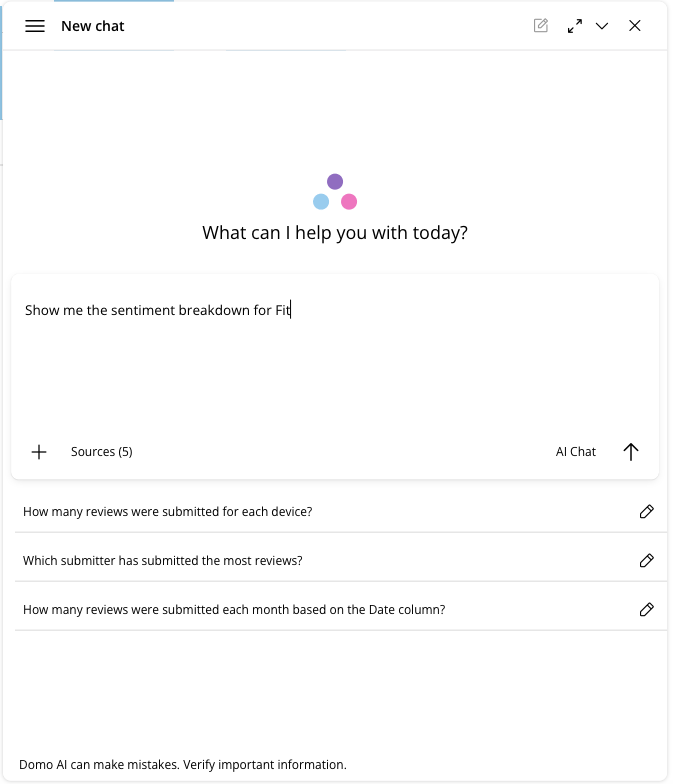
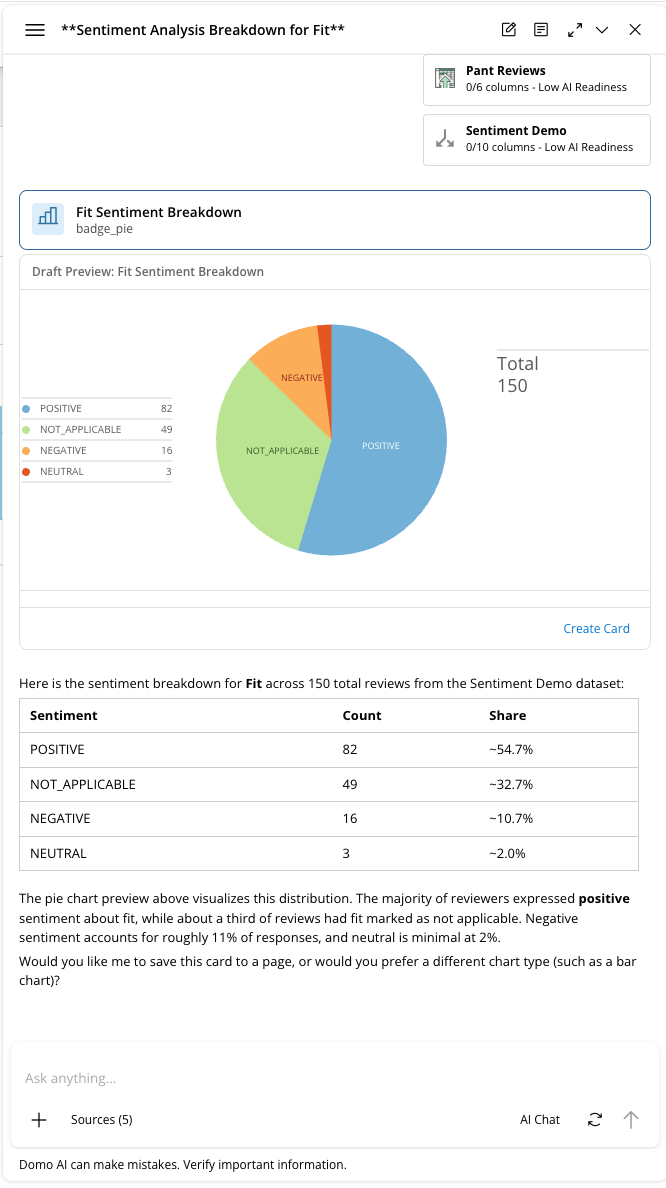
Note: If you ask AI Chat v2 to “show” you a chart and then select Create Card, the card is created on your Overview page.
Admin Settings
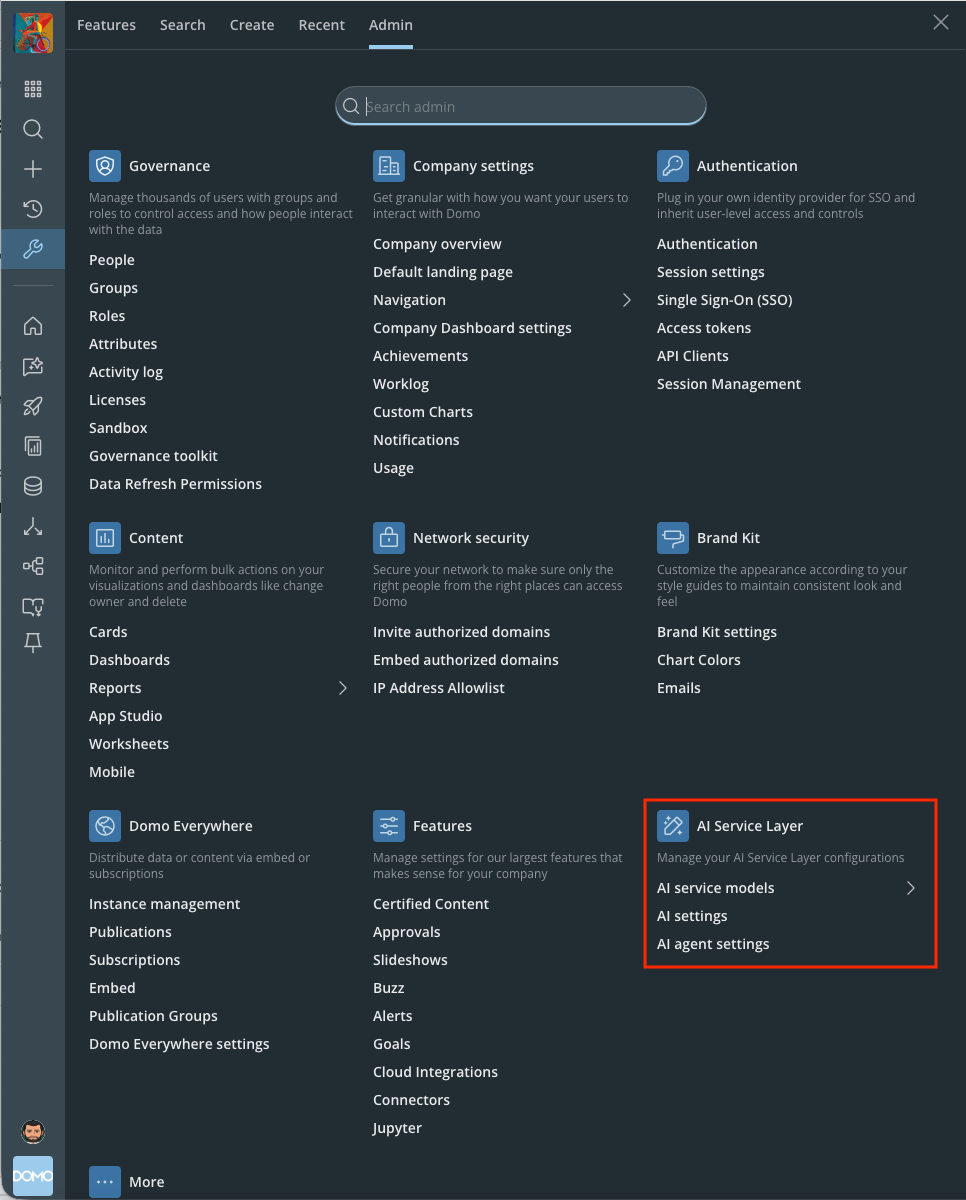
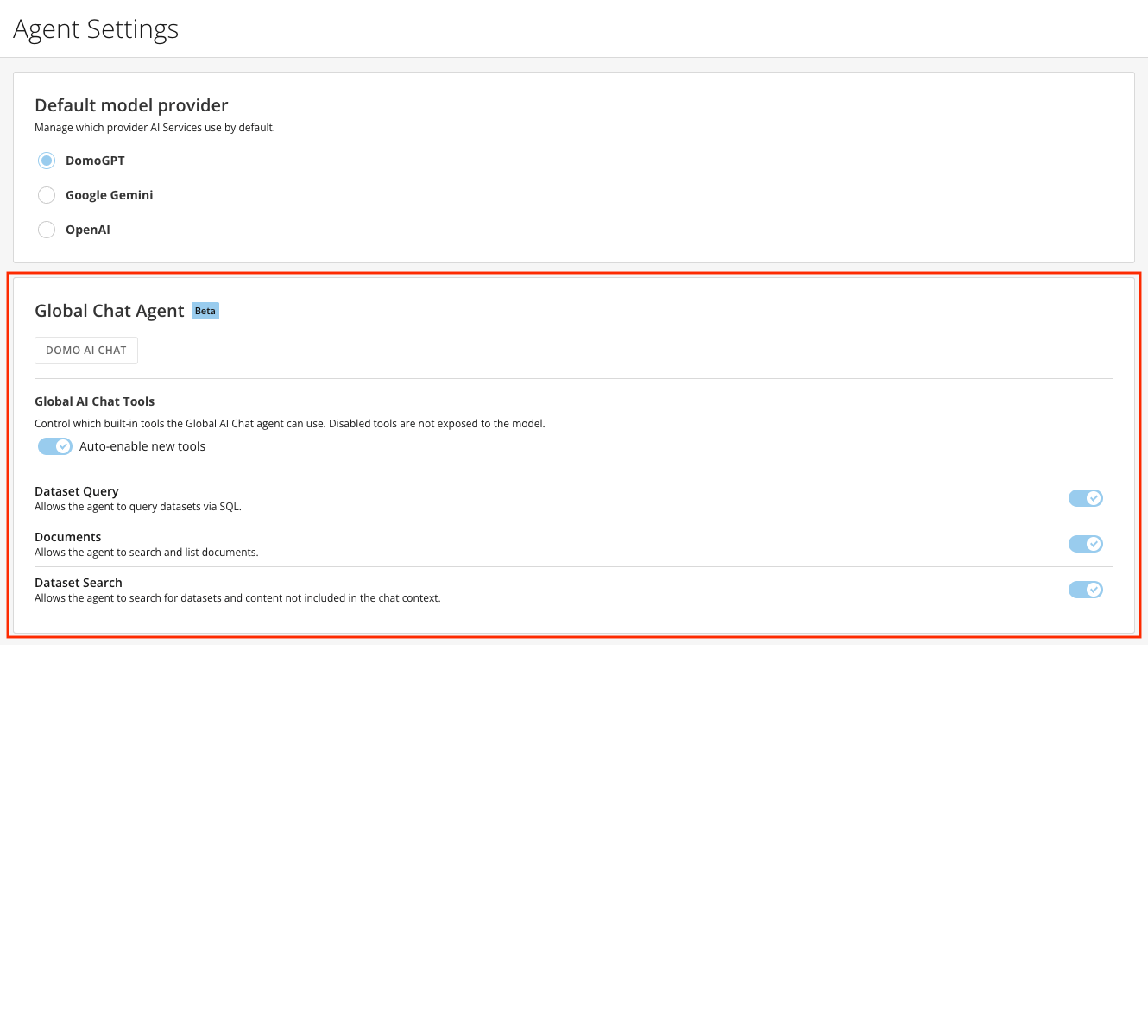
Global Chat Settings control how AI Chat v2 behaves for your instance:- Control which prompt-based agent is invoked when you choose AI Chat v2 — Domo AI Chat v2 or a custom agent from the AI Library.
- Auto-discovery of new tools and which types of knowledge they can access.
- Allow the agent to query DataSets using SQL.
- Allow the agent to search and list Documents.
- Allow the agent to search for DataSets and content that aren’t included in the chat context.
FAQ
Why is AI Chat v2 struggling to answer my questions?
Why is AI Chat v2 struggling to answer my questions?
Our AI Readiness feature complements AI Chat v2. In the Data Center, you can access the AI Readiness tab on a DataSet and provide all the necessary metadata to enable AI Chat v2 to provide you with the best answers.Learn about AI Readiness.