Intro
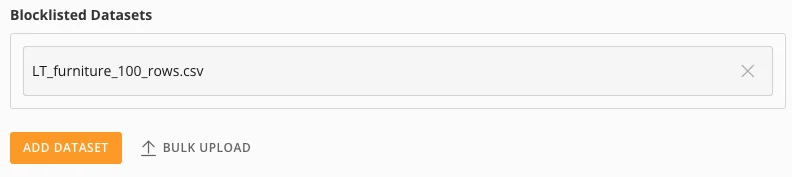
This article explains how to use AI Chat DataSet restrictions to control which DataSets AI Chat can access, including how to enable and disable restrictions, add DataSets to an allowlist or blocklist, and bulk upload DataSets.How Allowlists and Blocklists Work
Allowlists (formerly whitelists) and blocklists (formerly blacklists) are security measures for access control. Allowlists permit only approved items, denying everything else for high security. Blocklists deny specifically known bad actors, allowing everything else, which provides better usability. If AI Chat DataSet restrictions are off, AI Chat has access to all DataSets.- Allowlist — Restrictive, high security. The default is “deny all.”
- Blocklist — Permissive, lower security. The default is “allow all.”
Access DataSet Restrictions
Go to Admin > AI Service Layer > AI Service Layer Settings.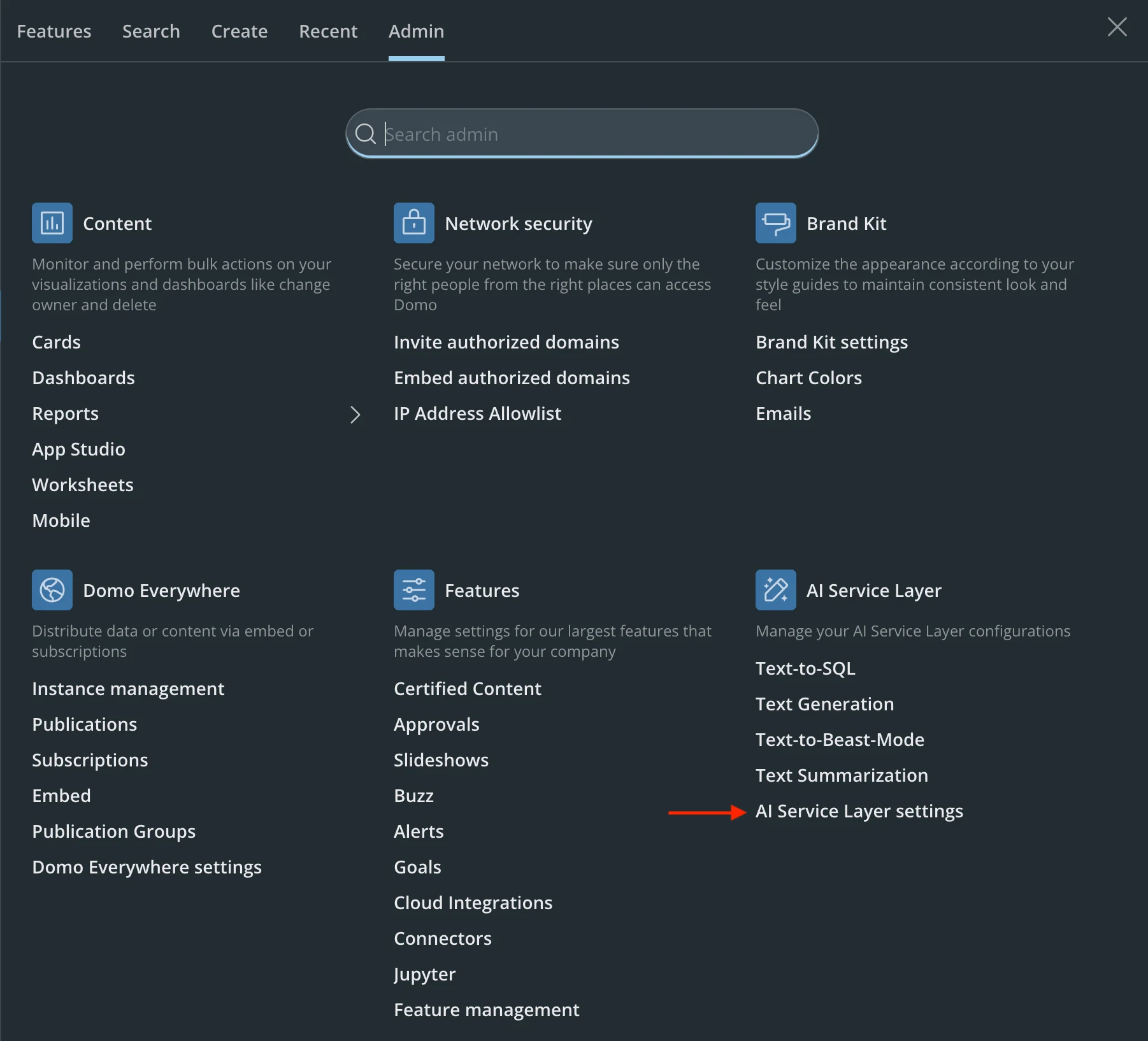
Enable DataSet Restrictions
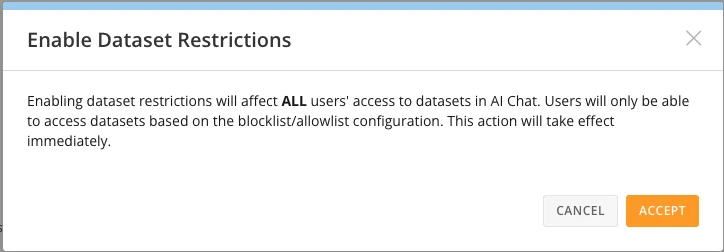
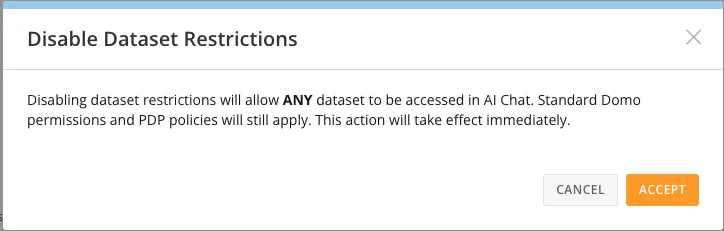
Disable DataSet Restrictions
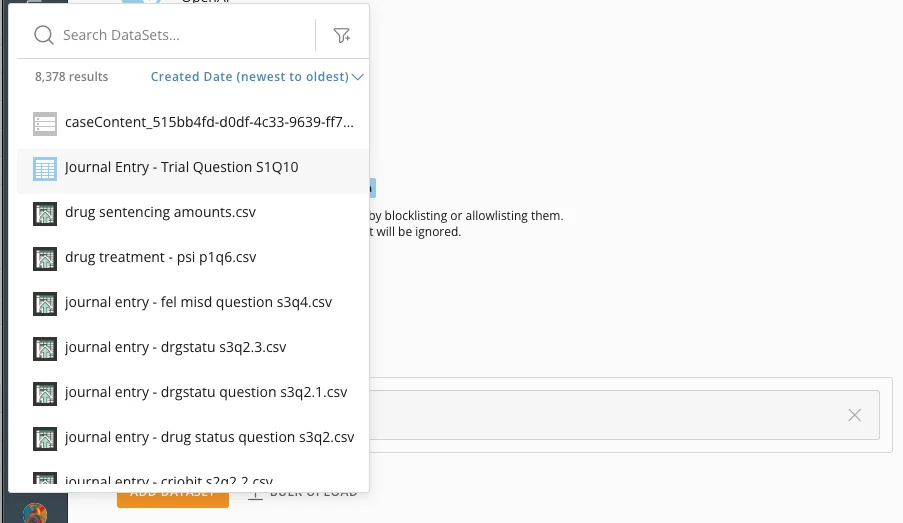
Add a DataSet
Choose a DataSet to add to the blocklist or allowlist.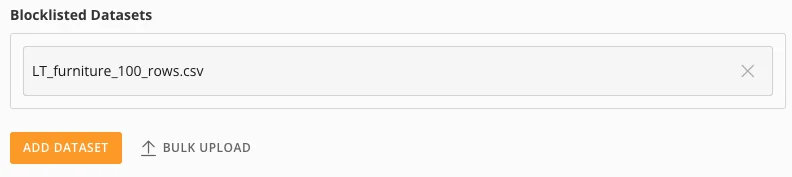
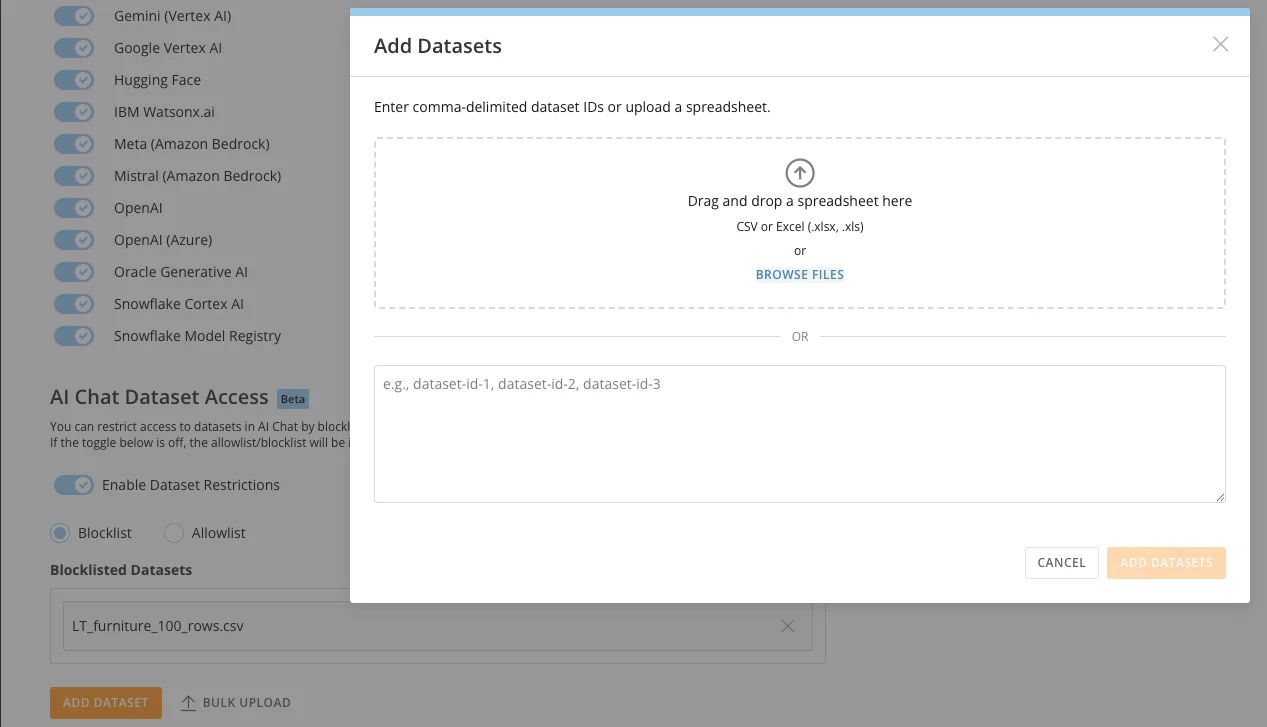
Bulk Upload DataSets
Upload a comma-delimited list of DataSet IDs or a spreadsheet, or enter a list manually.