

Intro
This article explains how to generate, view, and revoke access tokens in Domo.Required Grants
To generate access tokens, you need one of the following:- An Admin security role
- A custom role with at least one of the following grants:
- The Create Access Tokens grant
- The Manage all access tokens and API clients grant
Generate an Access Token
Note: Generating an access token requires elevation. You are prompted to confirm your identity before proceeding.
- From the navigation header, select More > Admin. The Admin Settings display.
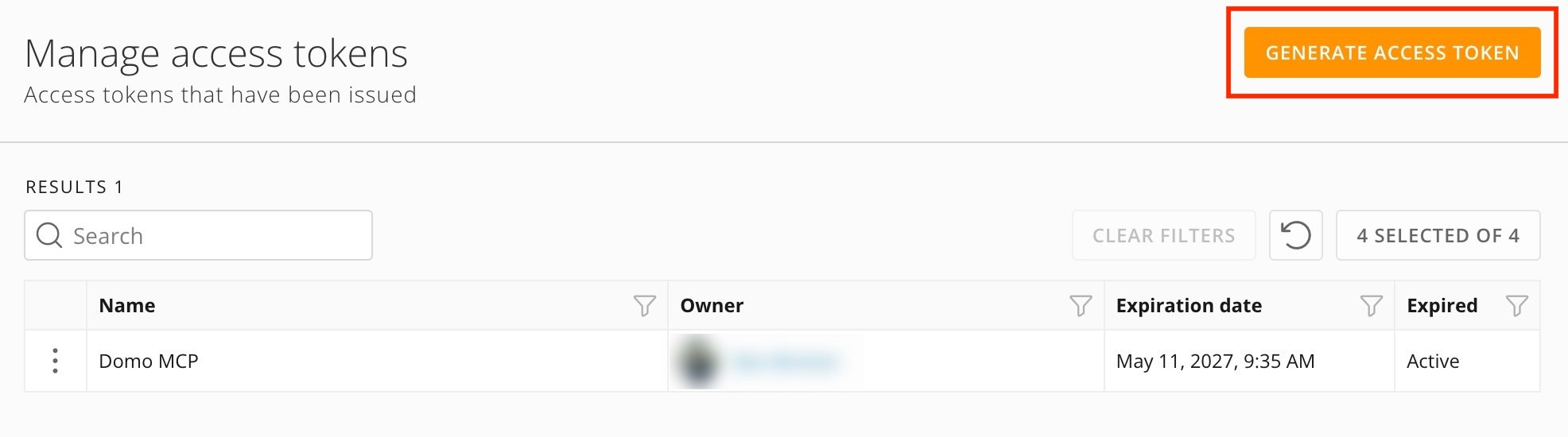
- Under Authentication, select Access tokens. The Manage access tokens page displays.
-
Select + Generate access token.
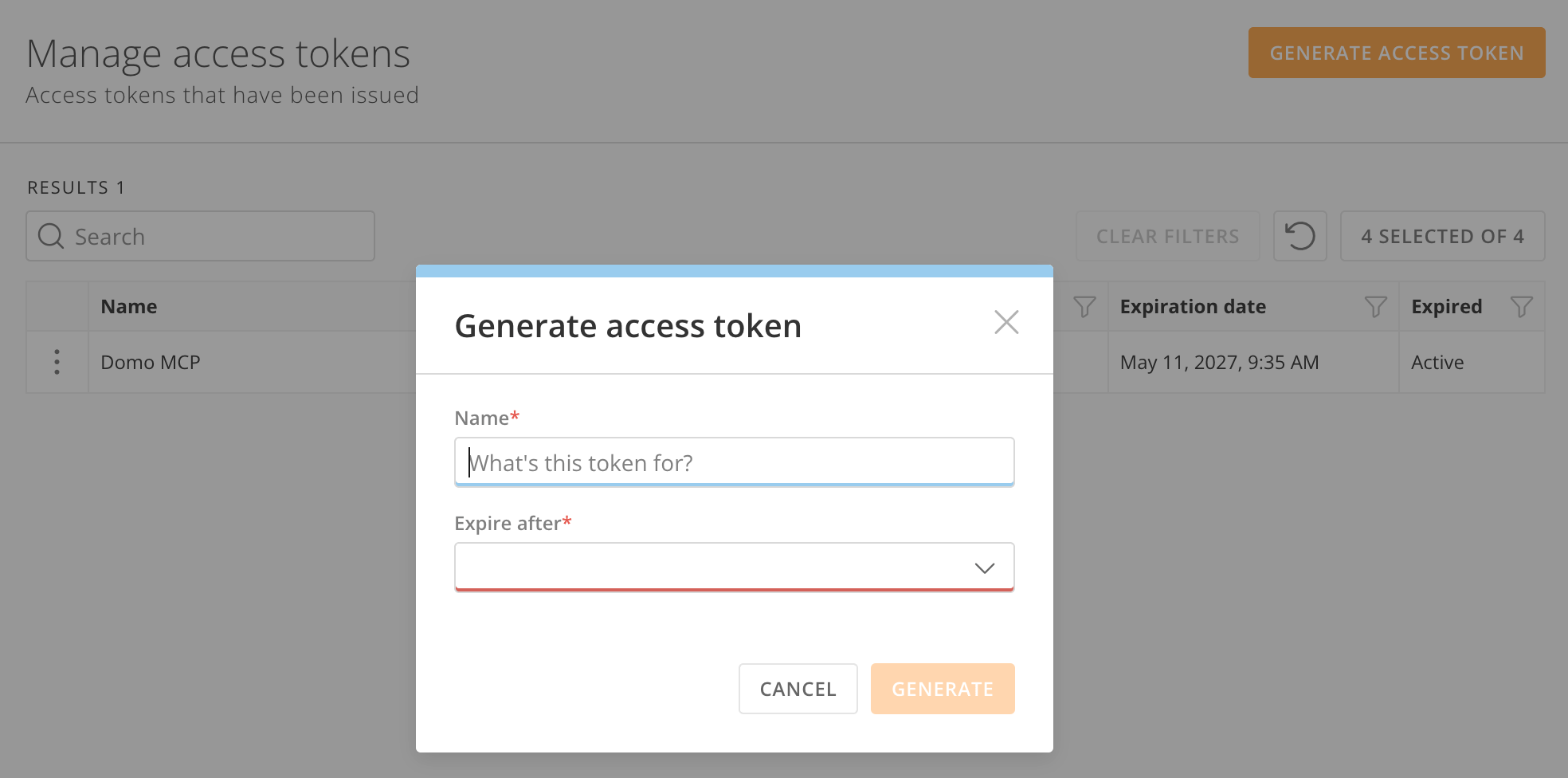
- In the Name field, enter a name for the token. Use a name that helps you identify the token’s purpose later.
- In the Expire after field, select the lifespan of the token.
-
Select Generate.
- Copy the token and store it somewhere secure. The token does not display again after you close this dialog.
Note: Each user is limited to 50 active access tokens.
View Your Access Tokens
Follow these steps to see your access tokens:- From the navigation header, select More > Admin. The Admin Settings display.
- Under Authentication, select Access tokens. The Manage access tokens page displays.
Revoke an Access Token
Follow these steps to revoke an access token:- From the navigation header, select More > Admin. The Admin Settings display.
- Under Authentication, select Access tokens. The Manage access tokens page displays.
- Locate the token you want to revoke. You can search by user name or token name.
- Select Revoke.
Note: There is no confirmation dialog after selecting Revoke. Verify you are revoking the correct token before proceeding.
FAQ
Are access tokens sensitive? What if a token is compromised?
Are access tokens sensitive? What if a token is compromised?
Yes. Treat access tokens like a password: Do not share them, hard-code them in scripts, or commit them to version control. Revoke any token you believe may have been compromised. Users with the ability to create access tokens can also revoke tokens they own. Administrators of your Domo instance can revoke any access token.
Can admins create access tokens for other users?
Can admins create access tokens for other users?
No. Each user creates and manages their own tokens. Previously, Domo administrators were able to generate access tokens on behalf of other users.
Is there a limit to how many access tokens I can have?
Is there a limit to how many access tokens I can have?
Yes. Each user is limited to 50 active access tokens at a time.
What is elevation, and why is it required?
What is elevation, and why is it required?
Elevation is an identity confirmation step Domo requires before performing sensitive actions. When you generate an access token, you are prompted to confirm your identity before proceeding. For more information, see Elevation.