> ## Documentation Index
> Fetch the complete documentation index at: https://www.domo.com/docs/llms.txt
> Use this file to discover all available pages before exploring further.
# Workbench 5 Security Options
This topic describes the options available in the **More > Settings >** **Security** menu in Workbench.
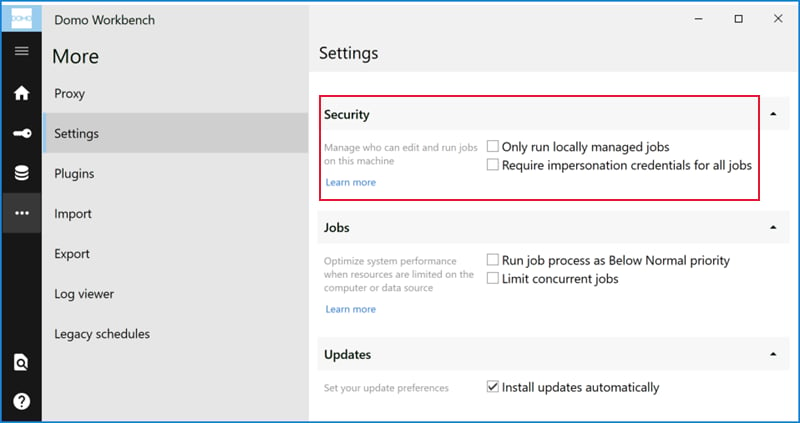 The settings in this menu are as follows:
**Only run locally managed jobs**. When this box is checked, changes to jobs can be made *only* on this machine. They cannot be made through the API or any other sources. This prevents hacking of your Workbench API.
**Require impersonation credentials for all jobs**. When this box is checked, Workbench requests non-default credentials for all DataSet jobs (i.e. no jobs can be run as the local system). Because users are forced to enter non-default credentials, jobs are run at the proper security level. This option is only available if you have administrator privileges.
The settings in this menu are as follows:
**Only run locally managed jobs**. When this box is checked, changes to jobs can be made *only* on this machine. They cannot be made through the API or any other sources. This prevents hacking of your Workbench API.
**Require impersonation credentials for all jobs**. When this box is checked, Workbench requests non-default credentials for all DataSet jobs (i.e. no jobs can be run as the local system). Because users are forced to enter non-default credentials, jobs are run at the proper security level. This option is only available if you have administrator privileges.